
Your center, in your pocket.
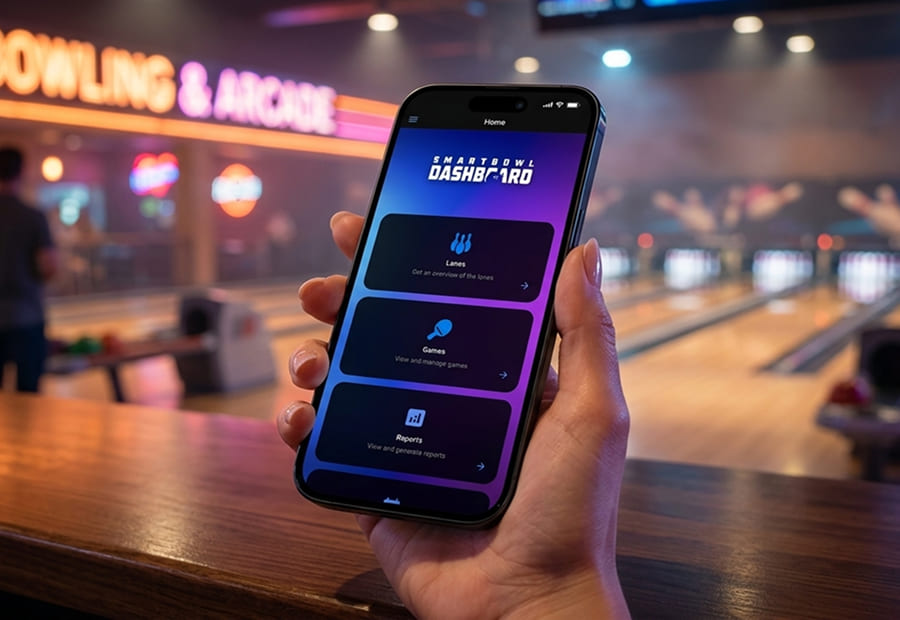
SmartBowl Remote Control puts the full FrontDesk in your hand: every lane, every reservation, every receipt, every setting. Make the right call from the bar, from home, from anywhere with a connection.
Strong protection by default, not as an upsell
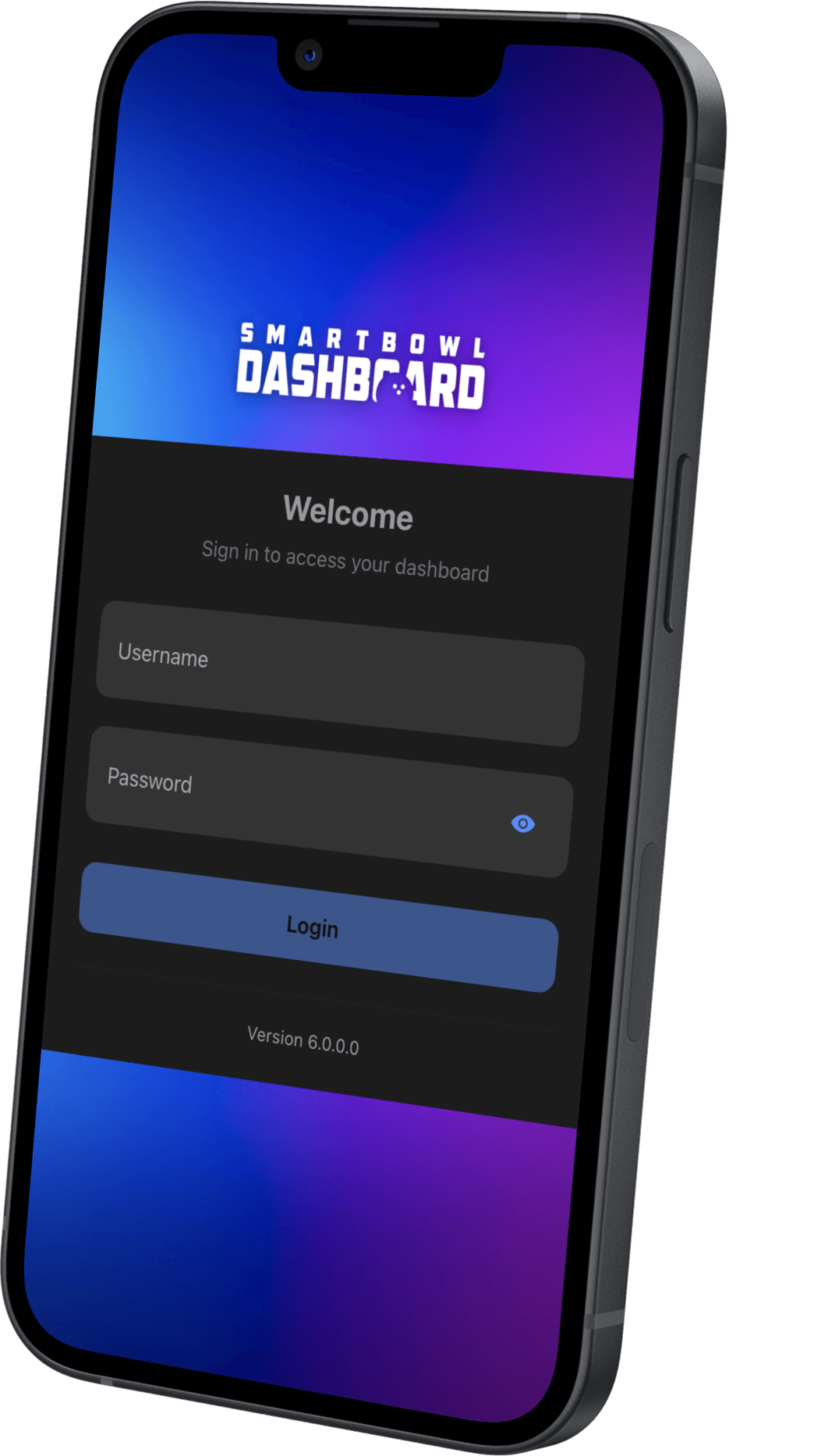
Username, password and a rolling code from your authenticator app. Your center's data stays yours, even if a phone goes missing.
Your whole center, on one screen
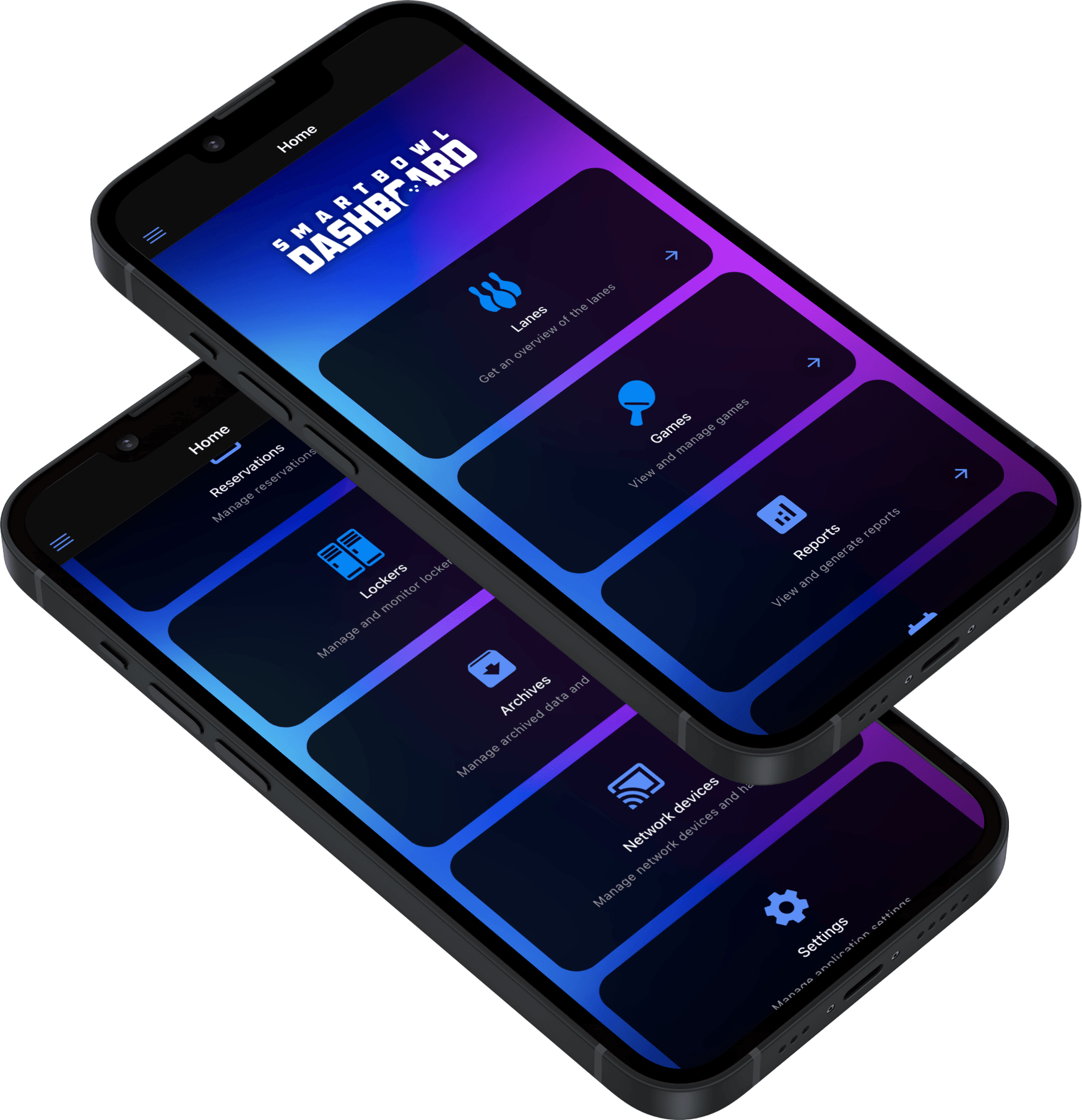
The starting point to reach any area of your center with a single tap. Lane status, games in progress and today's reservations updated in real time, on a layout that adjusts to smartphone, tablet or computer.
Keep an eye on every lane, in real time
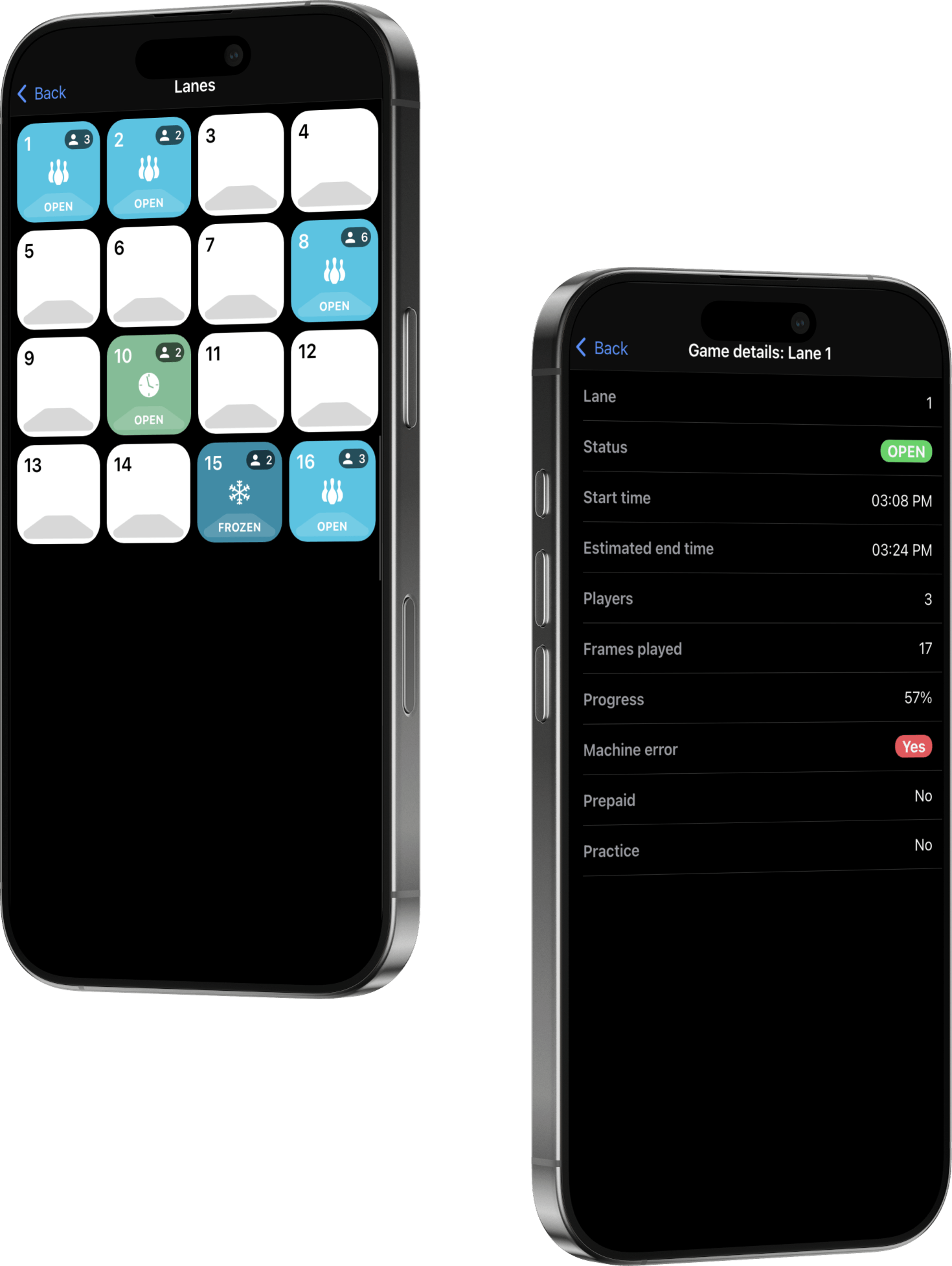
A live grid color-coded by state, with a blinking flag on incoming reservations and a red "LATE" badge when guests are running behind.
A tap opens the detail with times, players, frames, machine errors and mechanic calls. Same view as the front desk, right in your pocket.
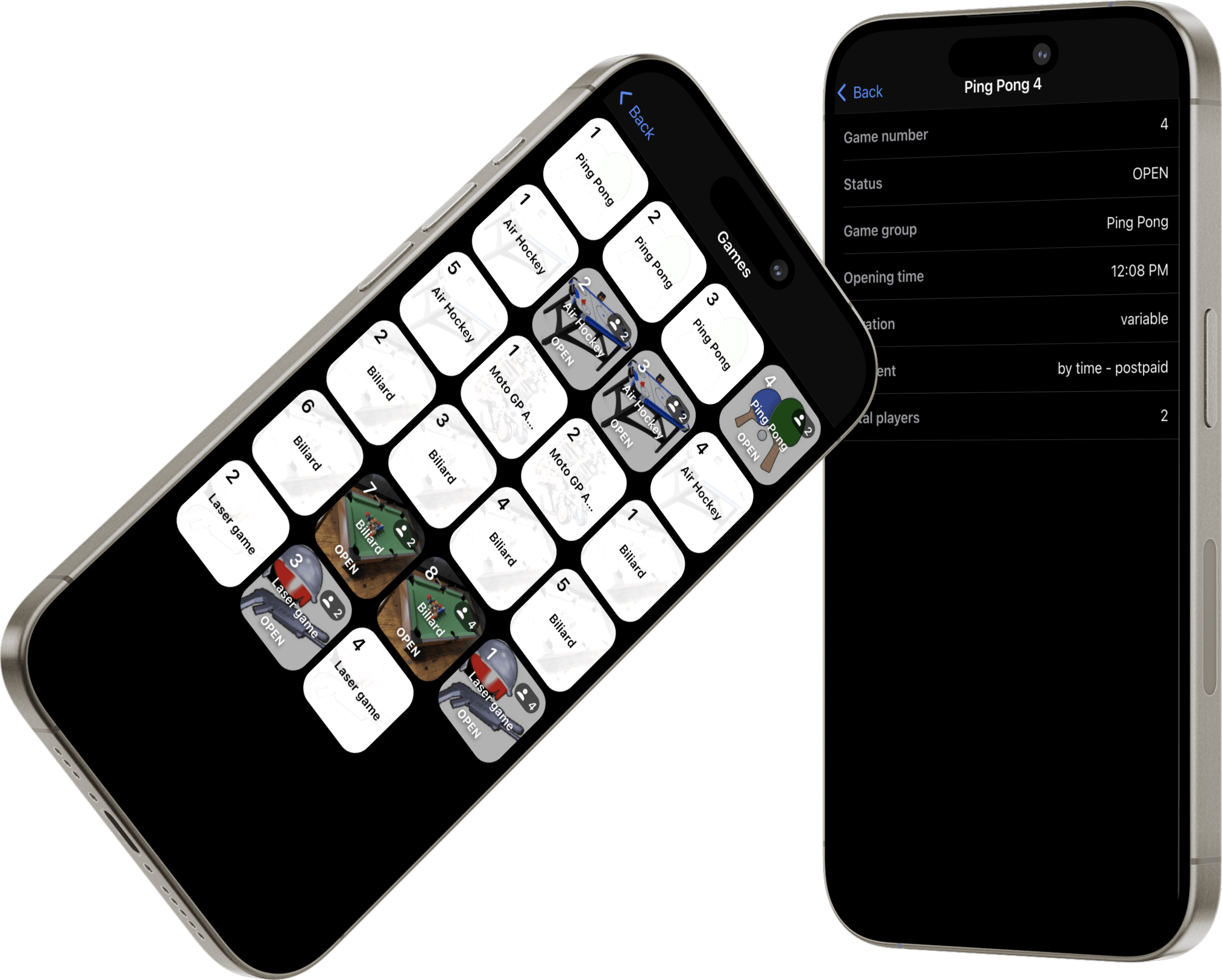
Not just bowling: every attraction under control
All the other activities in a live grid, each game with its own background image for instant recognition, with the same reservation alerts as the lanes.
A tap opens the detail: mode, duration, payment type, session code for players to connect from their phone, and games completed out of the total.
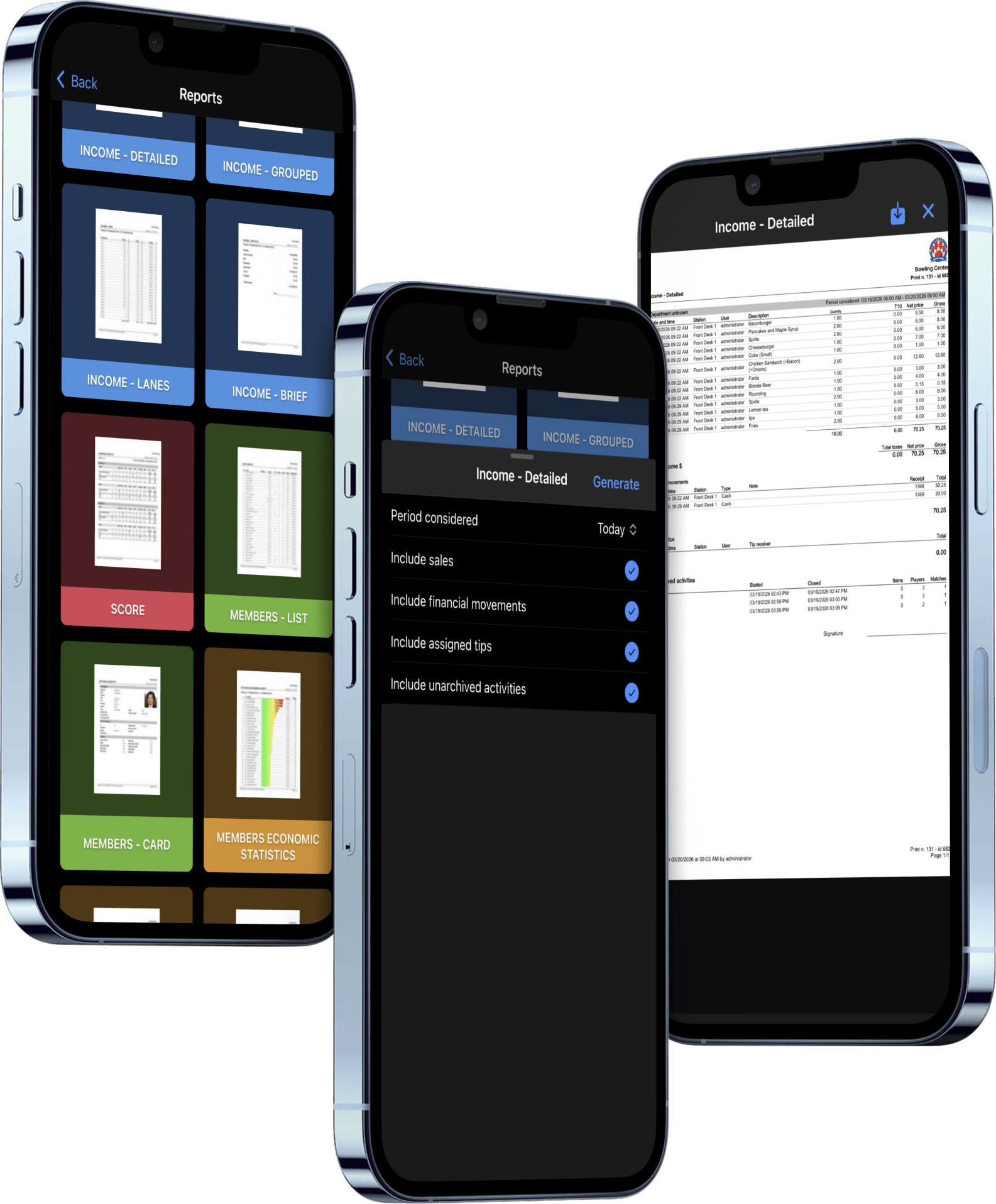
A full reports library, always at hand
More than twenty ready-to-use reports on revenue, games, tournaments, customers, loyalty, staff and equipment, each with graphic preview.
Pick the period (today, week, month or custom range), apply filters and generate a PDF ready to download or print, identical to the front desk one.
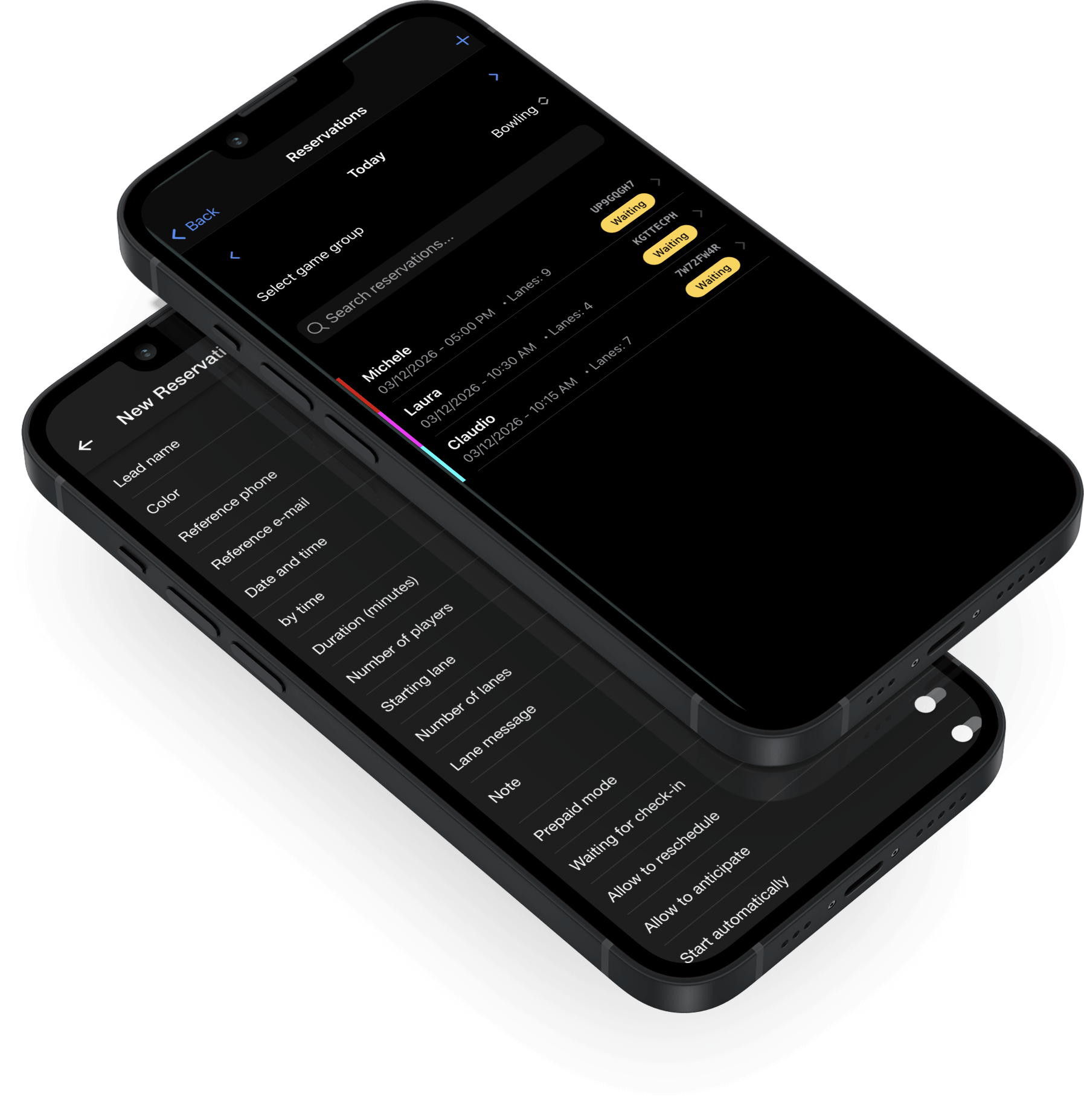
Take a booking from your sofa. Watch it land at the counter
All the reservations of the day in a single list with status badges, date picker, search by name/phone/code and a custom color per booking.
A tap on "+" creates a new reservation that shows up at the front desk in an instant, even from your couch at home.
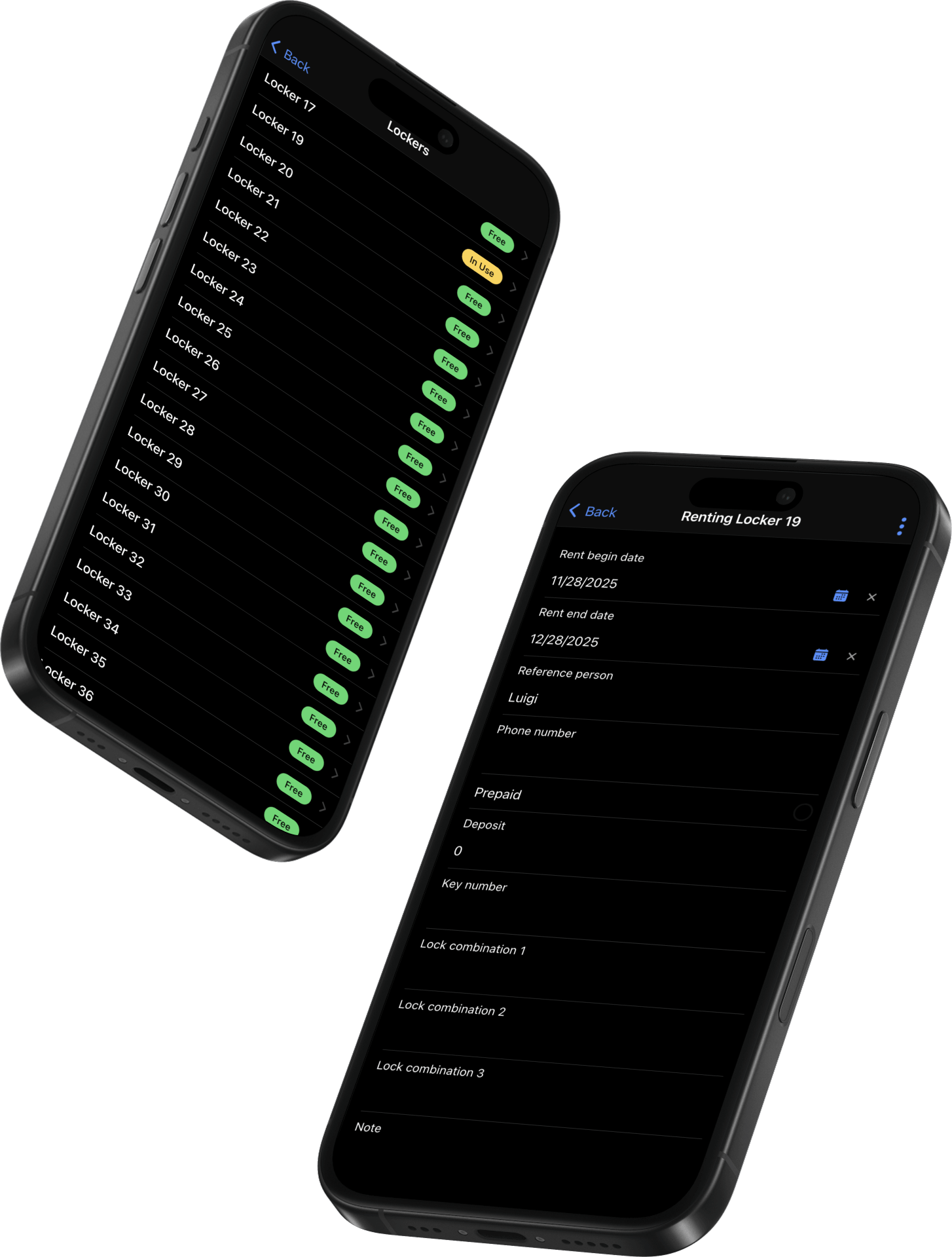
Remote locker management
Full list of lockers with colored badges for free, in use and out of service. Rentals with customer details, deposit and up to three combinations for digital lockers.
Closings with open balances are blocked: no locker is ever freed by mistake with an unpaid amount.
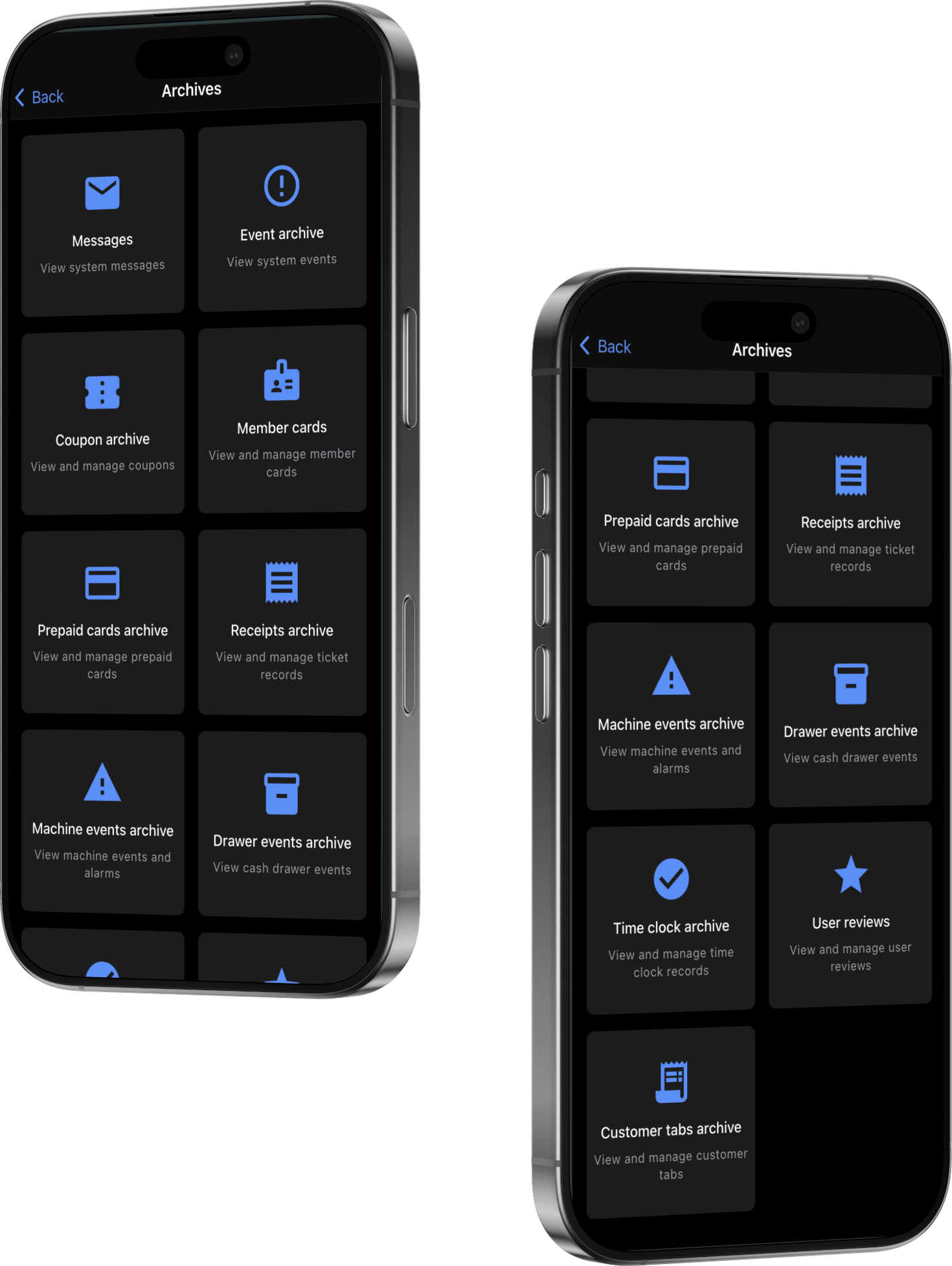
Searchable history of every area of your center
Cash drawer, machine events, loyalty, reviews, internal messages, staff time clock.
Each archive with period filters, text search and tap-to-detail on every record. The audit trail you need, ready when you need it.
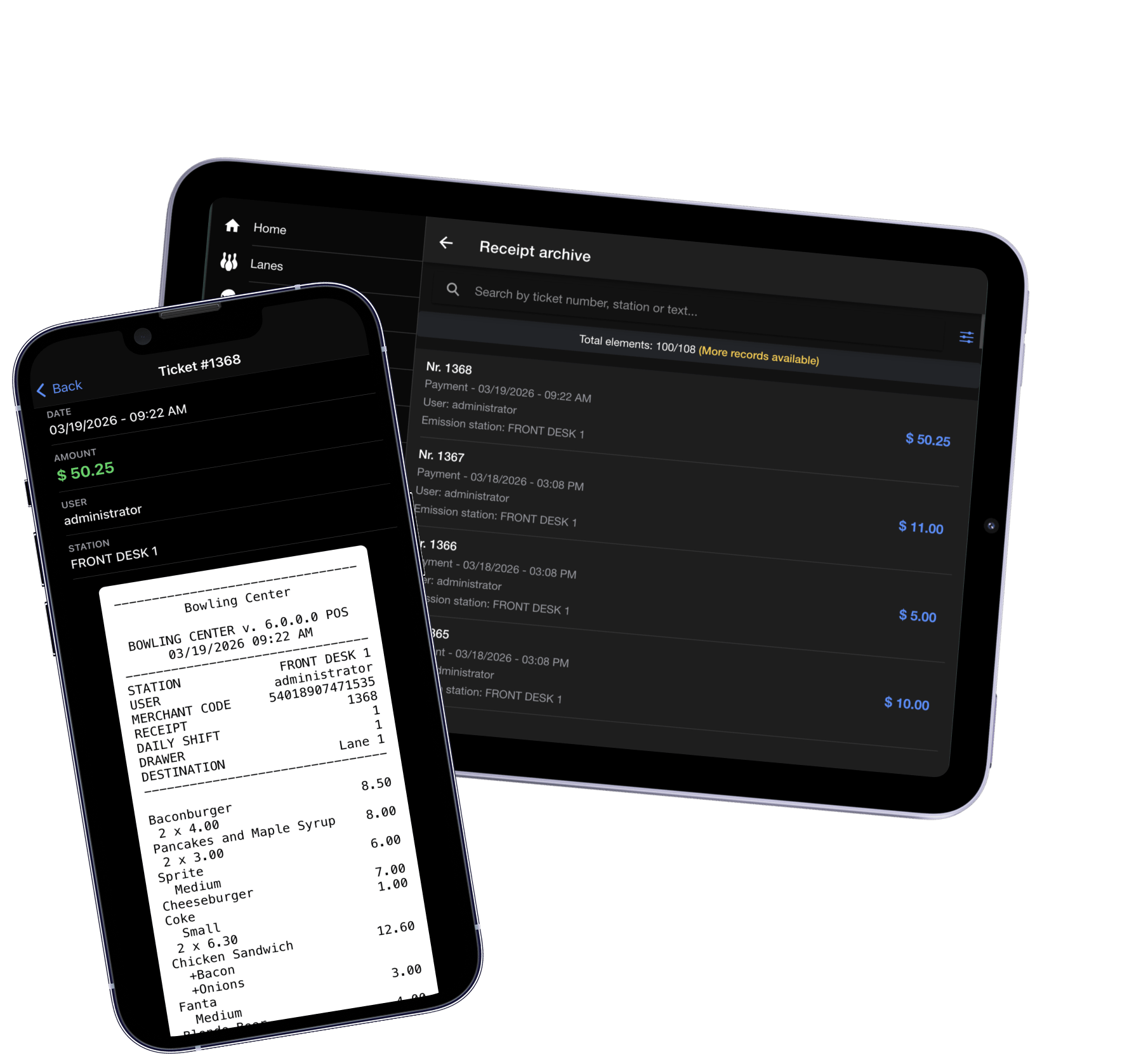
Every receipt issued, from your phone
Your center's fiscal archive, searchable by number, station or tab, with the full receipt preview exactly as it was printed.
From here you can refund (full or partial), add a tip assigned to a specific employee or email the receipt to the customer, all from your phone.
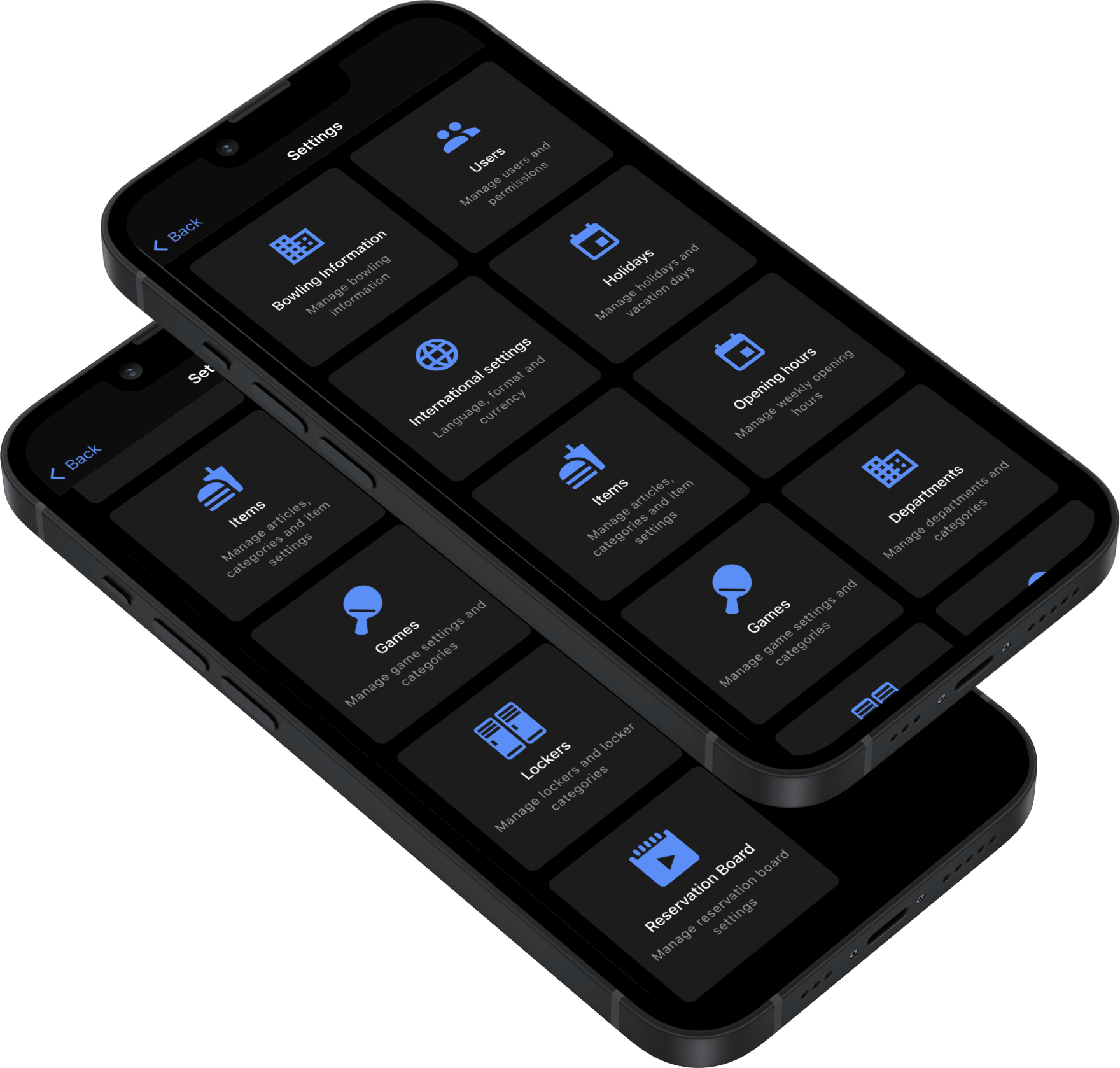
Every change, live across your center the moment you save
A single panel for every aspect of your center: bowling info, users, articles, rates, hours, holidays, lockers, Smart Bowl Cloud, reservation board.
Every change is instantly active across all stations: front desk, self check-in and every connected device, the very same moment.
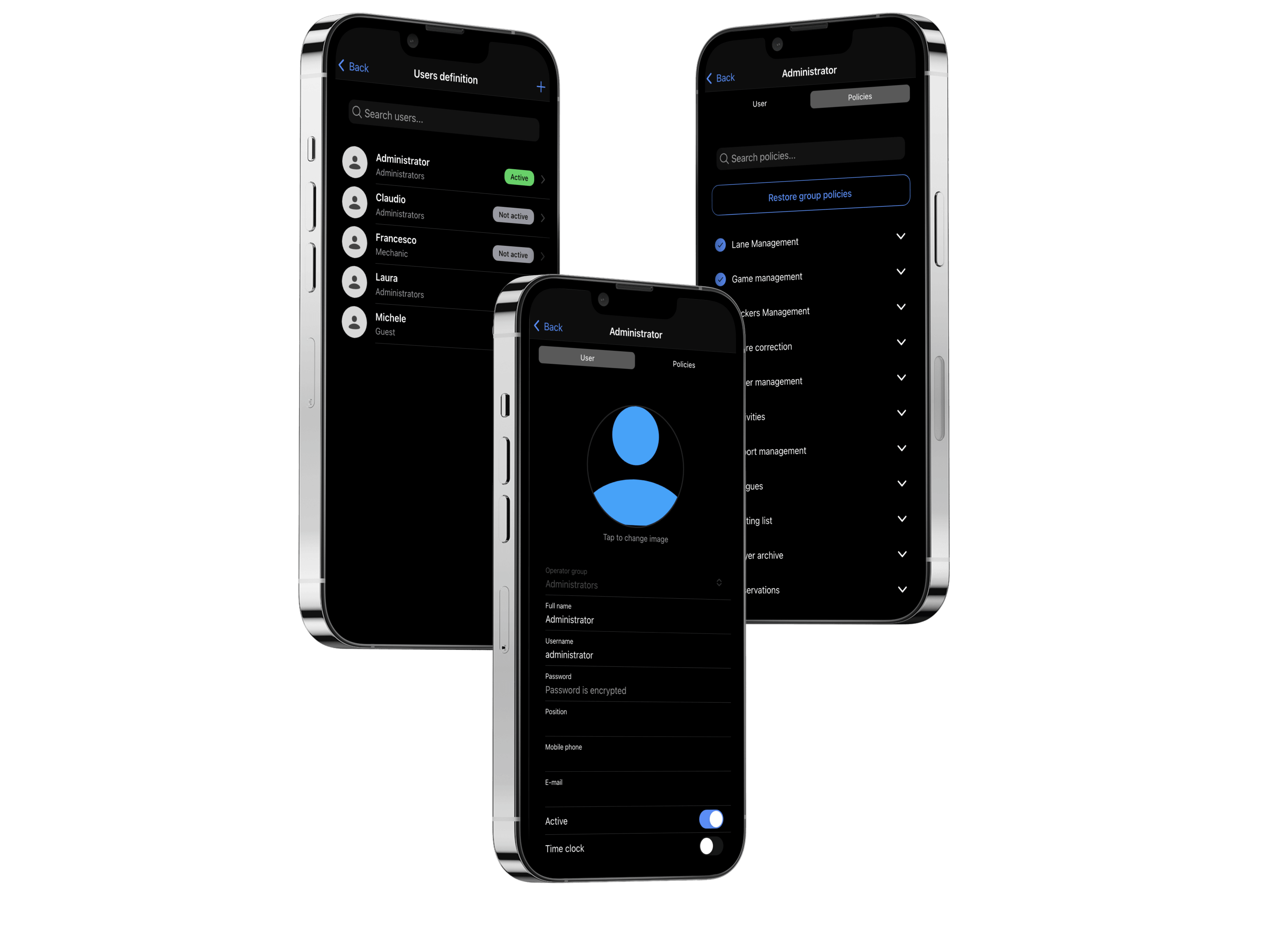
Operator access, fully under your control
Operators with photo, group, Active/Disabled badge and a permission tree organized by area that you control entry by entry. Differences from the group are highlighted, and one tap restores the defaults.
Effect is immediate: restrictions are enforced the moment you tap Save on your phone.
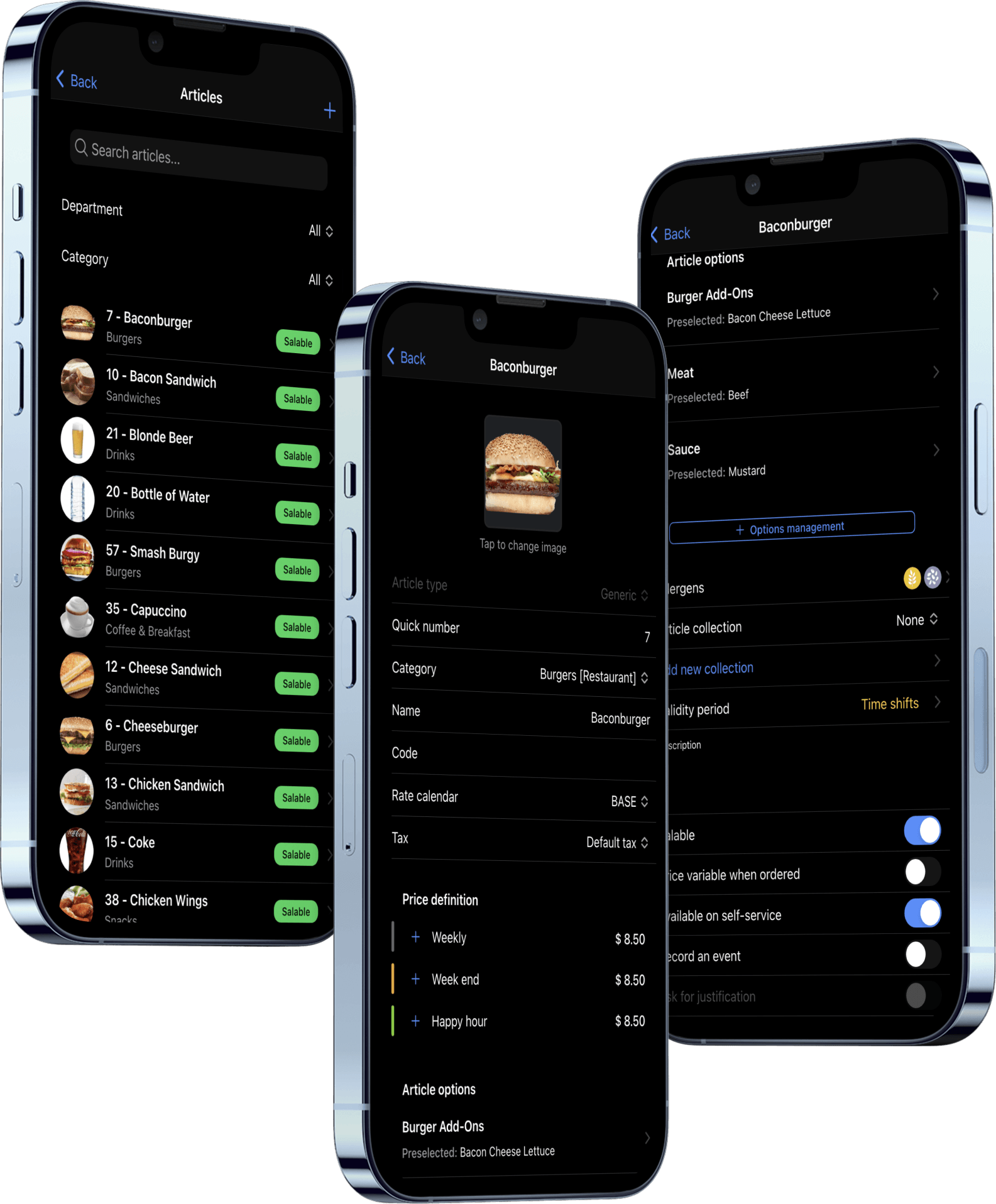
Your menu, your prices, your business, never out of date
Food, drinks, bowling rates, rentals, packages: all manageable from your phone, with pricing by time shift (weekly, weekend, happy hour) and incremental rates for progressive tiers.
Every change is active everywhere in an instant: cash desk, self check-in, Web Console and TableTap.
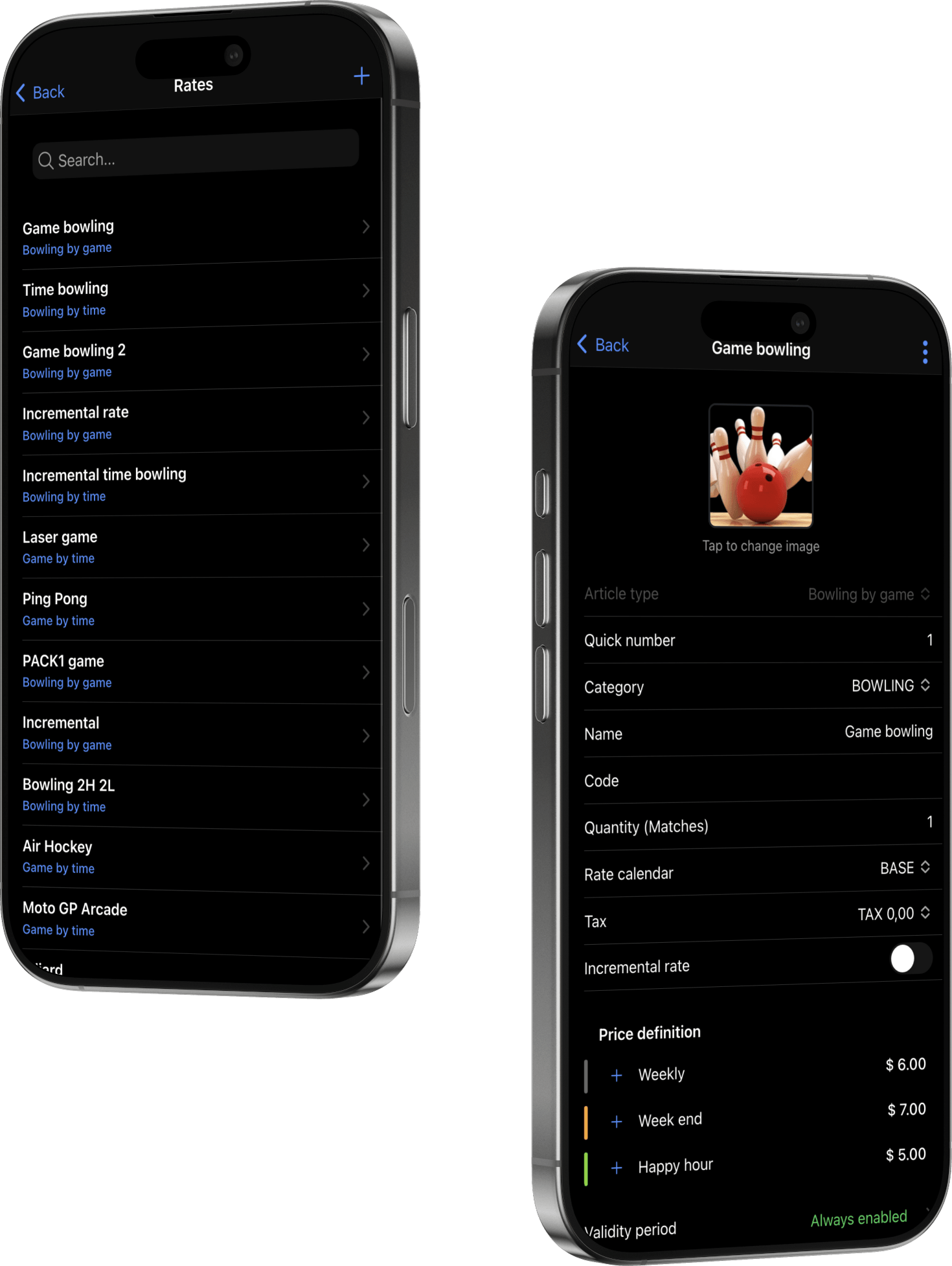
Every rate, on your own schedule
Bowling by game or by time, timed games, shoe and sock rental, with cost intervals, incremental tiers and restriction by days of the week for weekdays, weekends and special evenings.
Validity period for promotions and happy hour, or disable on the fly with the "Sellable" toggle: active everywhere the moment you tap Save.
Part of the SmartBowl ecosystem